Welcome to Cadeo
Cadeo is your all-in-one workspace for managing tasks, calendar, and notes. Whether you're planning your day, organizing projects, or taking meeting notes, Cadeo keeps everything in one place.
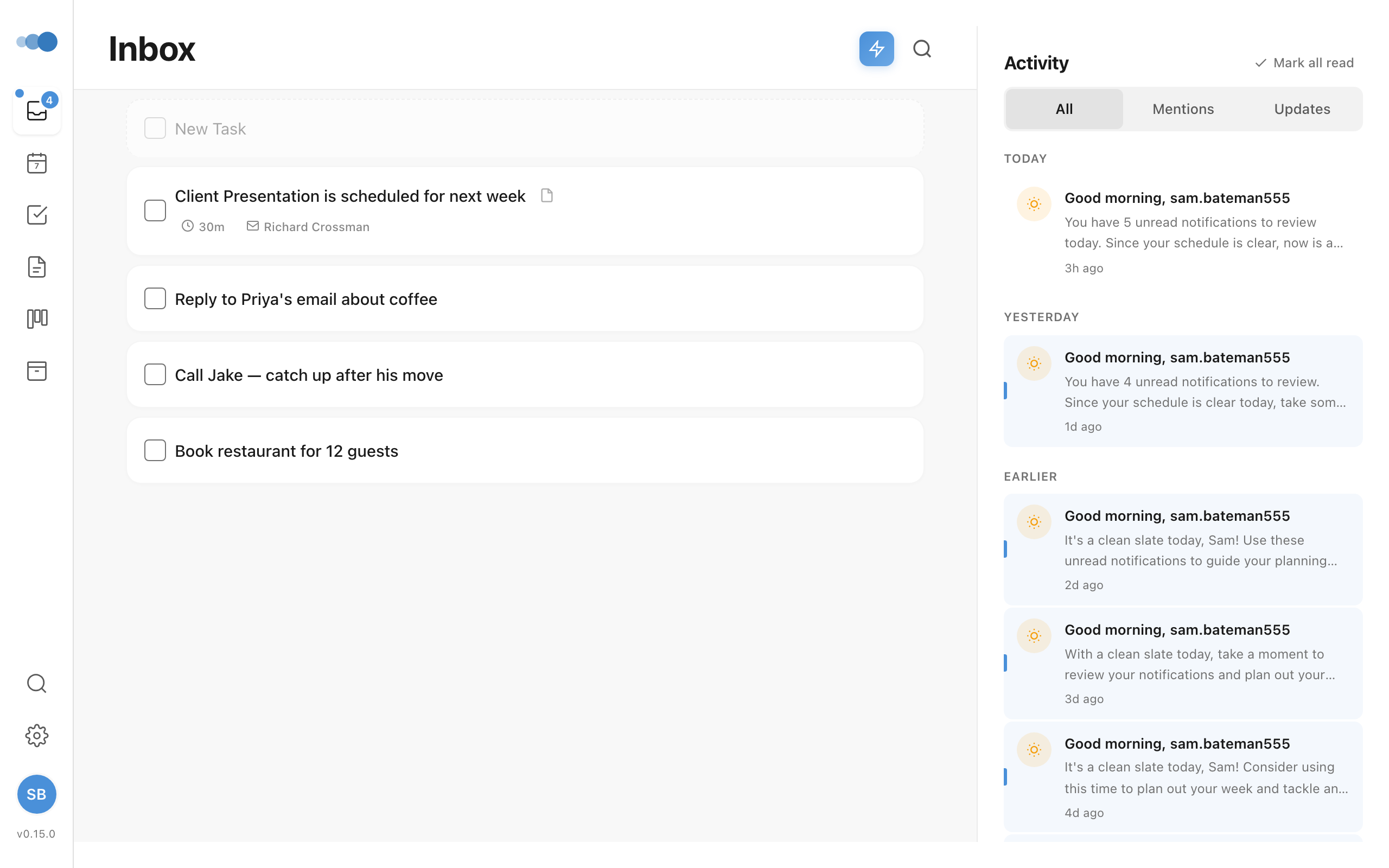
What You Can Do with Cadeo
Manage Tasks
- Create tasks with natural language ("Buy groceries tomorrow at 3pm")
- Organize tasks into projects and areas
- Schedule tasks on your calendar with drag-and-drop
- Track deadlines and priorities
Integrate with Google Calendar
- See all your calendar events alongside tasks
- Create new events directly from Cadeo
- Take meeting notes and create action items
- RSVP to meetings without leaving the app
Take Rich Notes
- Write notes with 30+ block types (headings, lists, tables, code, and more)
- Use the slash menu (
/) for quick formatting - Create daily notes for journaling
- Attach notes to meetings automatically
Collaborate with Your Team
- Share workspaces with team members
- Assign tasks to colleagues
- Keep everyone on the same page
Customize Your Experience
- Switch between light and dark themes
- Configure keyboard shortcuts
- Personalize your workspace
Getting Started
- Create your first task - Learn the basics of task management
- Connect Google Calendar - Sync your calendar events
- Understand the Planner - Master the daily view
- Learn keyboard shortcuts - Work faster with shortcuts
Need Help?
Can't find what you're looking for? Contact us and we'll be happy to help.