Scheduling Tasks on Timeline
Use drag-and-drop to schedule tasks on your calendar.
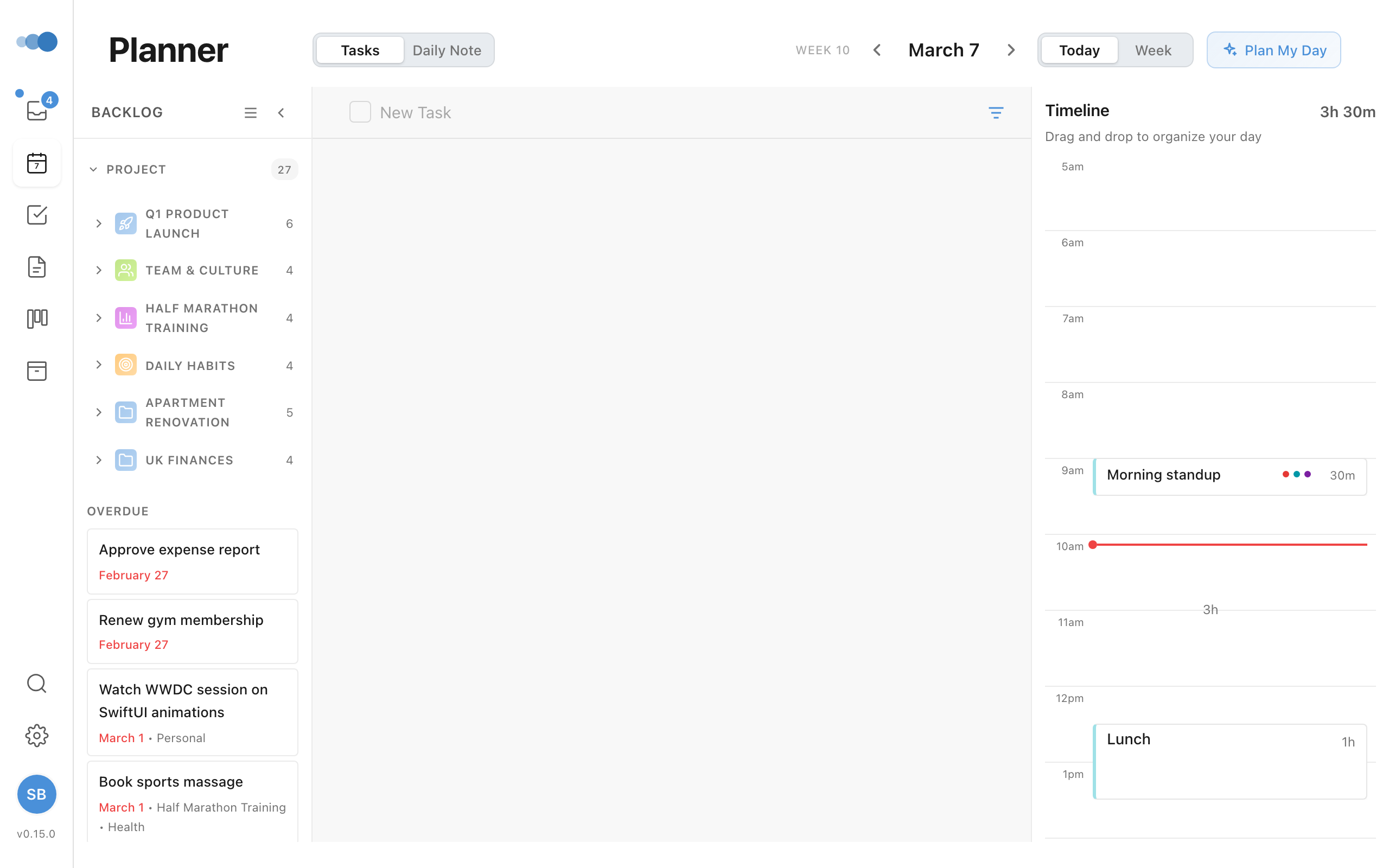
Drag to Schedule
- Find a task in your Inbox or backlog
- Click and hold the task
- Drag it to the timeline
- Drop at your desired time
tip
Hover over any task row or note card and a six-dot grip appears at its left edge, just after the area colour — that's your cue it can be dragged. You can grab the grip or anywhere on the row; both work.
The task snaps to 15-minute increments.
Rescheduling
To move a scheduled task:
- Click and drag the task card on the timeline
- Move it to a new time
- Release to drop
Conflict Detection
When dragging, Cadeo shows:
- Blue preview → Valid drop location
- Red preview → Conflicts with another event
You can still drop on conflicts, but it's a visual warning.
Removing from Timeline
To unschedule a task:
- Open the task details
- Clear the scheduled time
- The task returns to your backlog
Week View
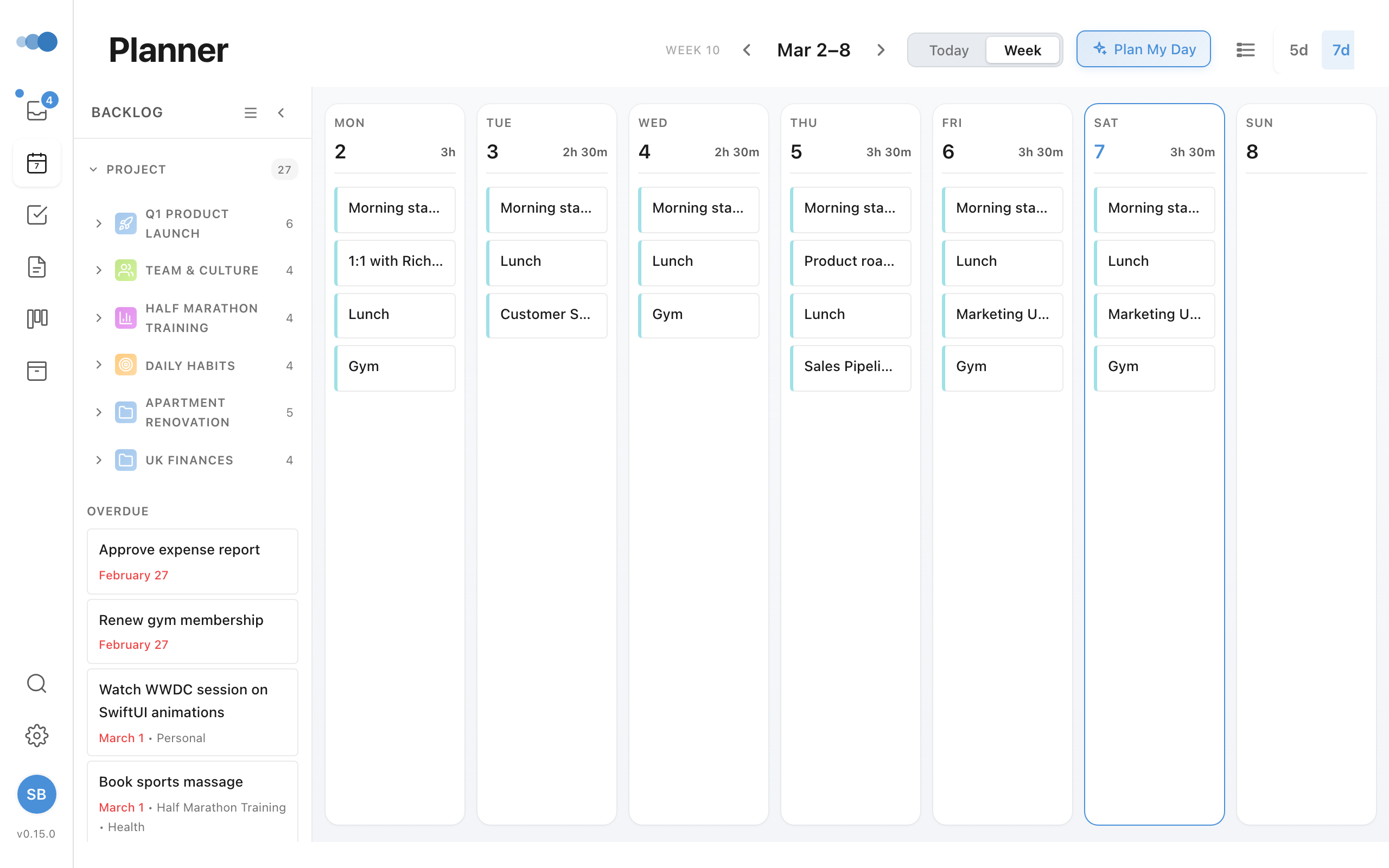
In Week view, you can:
- Drag tasks to any day column
- Schedule across the full week
- See your entire week at a glance