Smart Folders
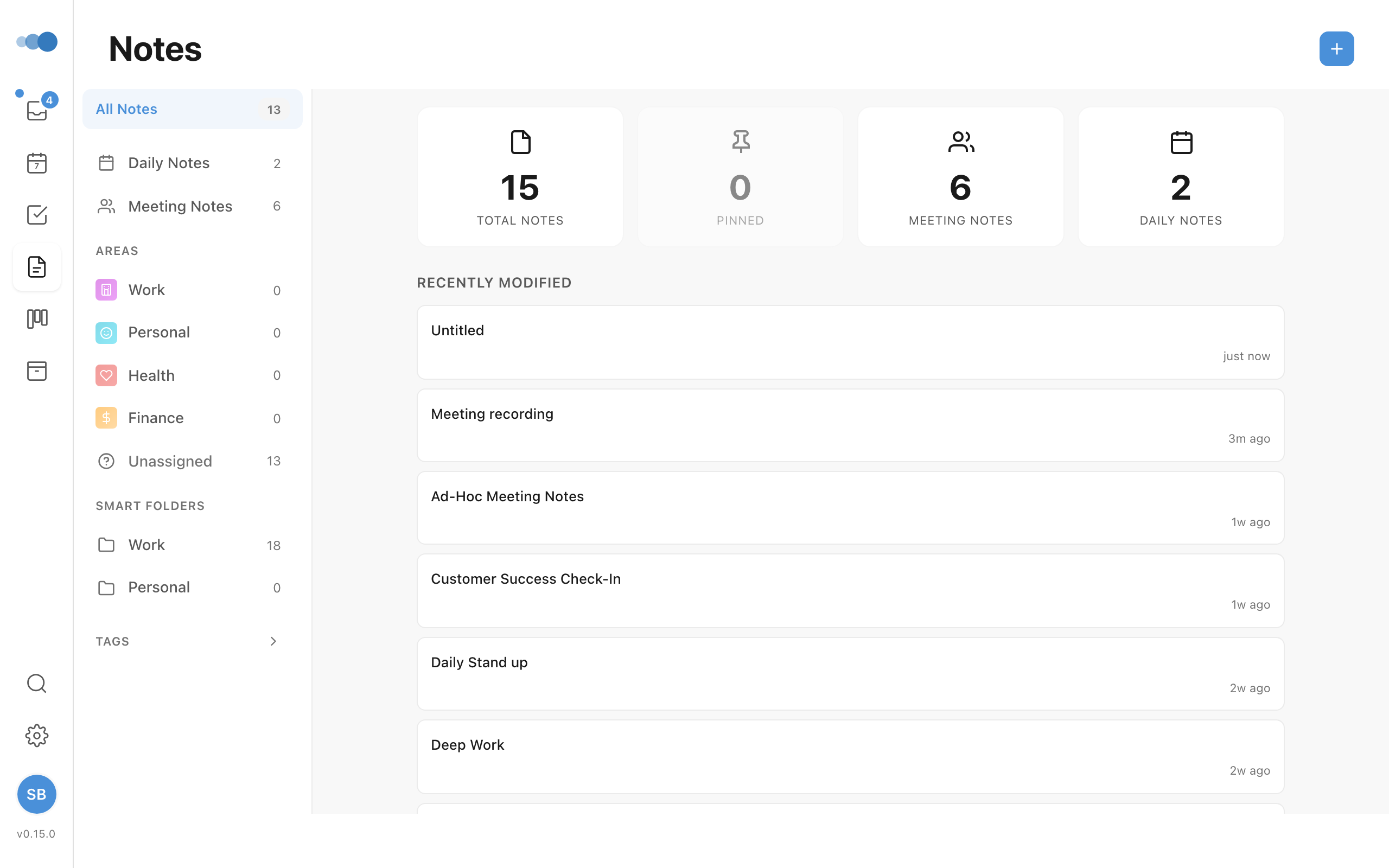
Smart Folders are virtual folders that automatically collect notes based on configurable filter rules — without physically moving your notes.
Creating a Smart Folder
- Click New Smart Folder in the notes sidebar
- Enter a folder name
- Choose matching logic: All (AND) or Any (OR)
- Click + Add Filter to add filter rules
Filter Criteria
| Filter | Options |
|---|---|
| Tags | Any of, All of, None of (select specific tags) |
| Date Created | Last N days, After date, Before date |
| Date Edited | Last N days, After date, Before date |
| Shared | Is shared, Is not shared |
| Kind | Note, Meeting, Daily |
| Pinned | Yes, No |
| Area | Specific area, Has any, Has none |
| Project | Specific project, Has any, Has none |
Multiple filters combine with your chosen logic (AND or OR). Filters can be removed individually.
How They Work
Smart folders show a dynamic count of matching notes. As you create and edit notes, the folder contents update automatically based on your rules.
Managing Smart Folders
- Edit — reopen the modal to change the name or filter rules
- Delete — remove the smart folder (your notes are not affected)
Examples
- Recent meeting notes — Kind: Meeting + Date Created: Last 7 days
- Shared documents — Shared: Is shared
- Project research — Project: "Q2 Launch" + Tags: Any of "research", "reference"