Activity Feed
Stay informed about workspace activity through the Activity Panel.
Accessing the Activity Feed
- Click the Activity icon in the sidebar
- Or press
Cmd+Shift+Ato open a full-screen overlay from any view
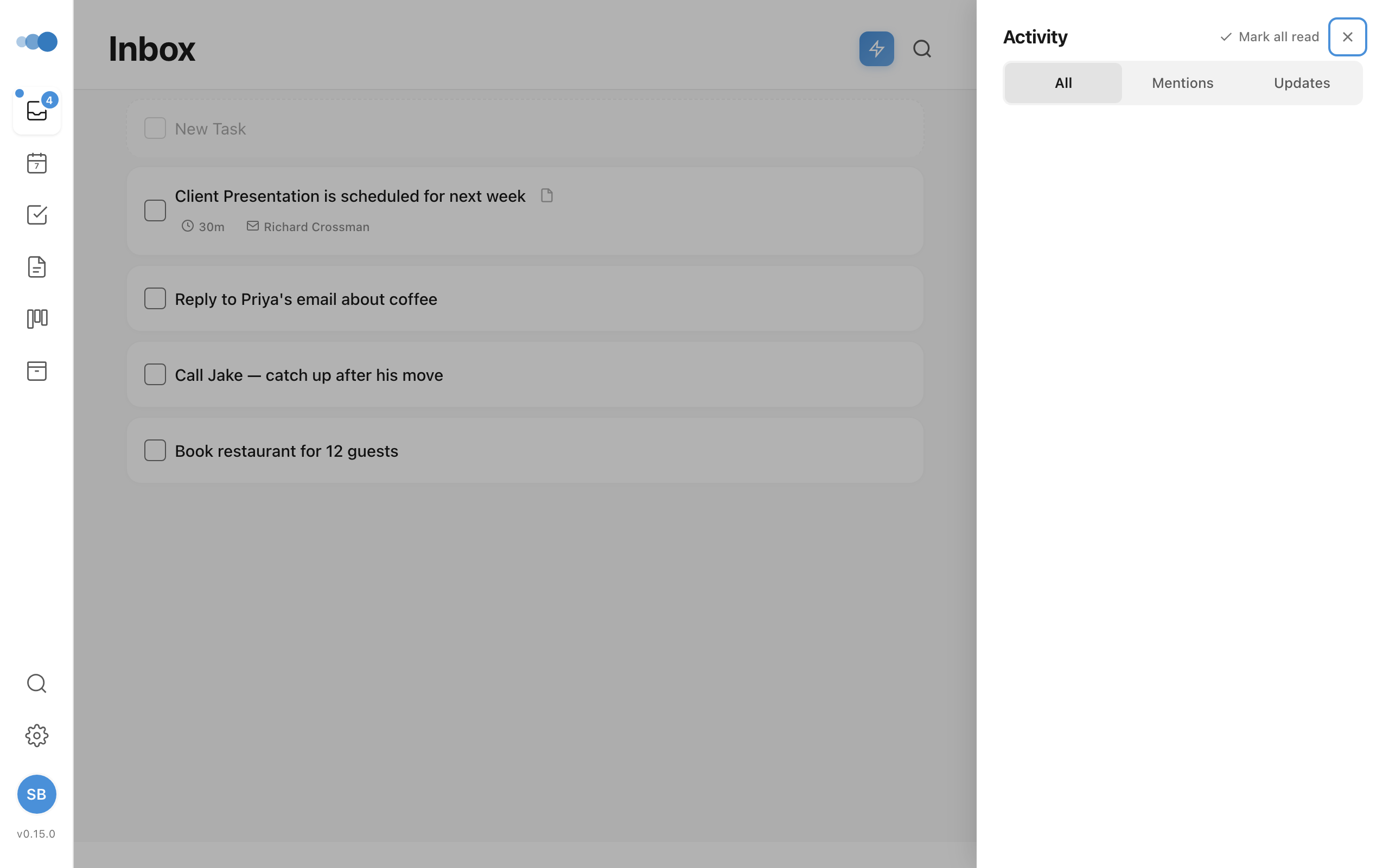
Tabs
| Tab | Shows |
|---|---|
| All | Combined comments and updates, sorted by most recent |
| Mentions | Comments where you were @mentioned |
| Updates | System notifications (completions, shares, assignments, briefings) |
Activity Items
Each item shows:
- Comments: Author name, avatar, comment body with highlighted mentions
- Updates: Notification title, body, icon, and timestamp
- Time grouping: Today, Yesterday, Earlier
Click any item to jump to the related task or note. Comment items open the entity with the comment panel visible.
Smart Grouping
Same-type notifications from the same person within a 30-minute window are merged into a single item with a "+N more" expansion to reduce noise.
Forward Section: Where You Left Off + Tips
Above the activity stream, the All tab shows a short forward-looking section once Cadeo has enough signal to be useful:
- Where you left off — a single card pointing back at the task or note you were last working on, so the planner doesn't feel cold when you reopen Cadeo.
- Activity tips — up to two short, data-grounded hints about how you're using Cadeo. Each tip comes from one of three places:
- Duration patterns — once a particular priority bucket consistently takes 30%+ longer or shorter than you estimate (across at least five completed tasks), Cadeo surfaces the gap so you can adjust your estimates.
- Area balance — when one tracked Area accounts for 70%+ of your tracked time in a week, the tip flags the imbalance.
- Morning brief takeaways — occasional one-line callbacks to insights from your morning brief.
Tips are intentionally rare — they only appear when there's real signal behind them. If a tip family isn't useful to you, dismiss it three times (the × on each card) and Cadeo will stop showing that family for 30 days.
Managing Activity
- Mark all as read — clears all unread indicators (with undo support)
- Unread items have distinct visual styling
- The sidebar icon shows an unread count badge
Full-Screen Overlay
The overlay mode (Cmd+Shift+A) provides:
- Full-screen view with backdrop
- All tab functionality
- Focus trap for keyboard navigation
Escapeto close