Daily Notes
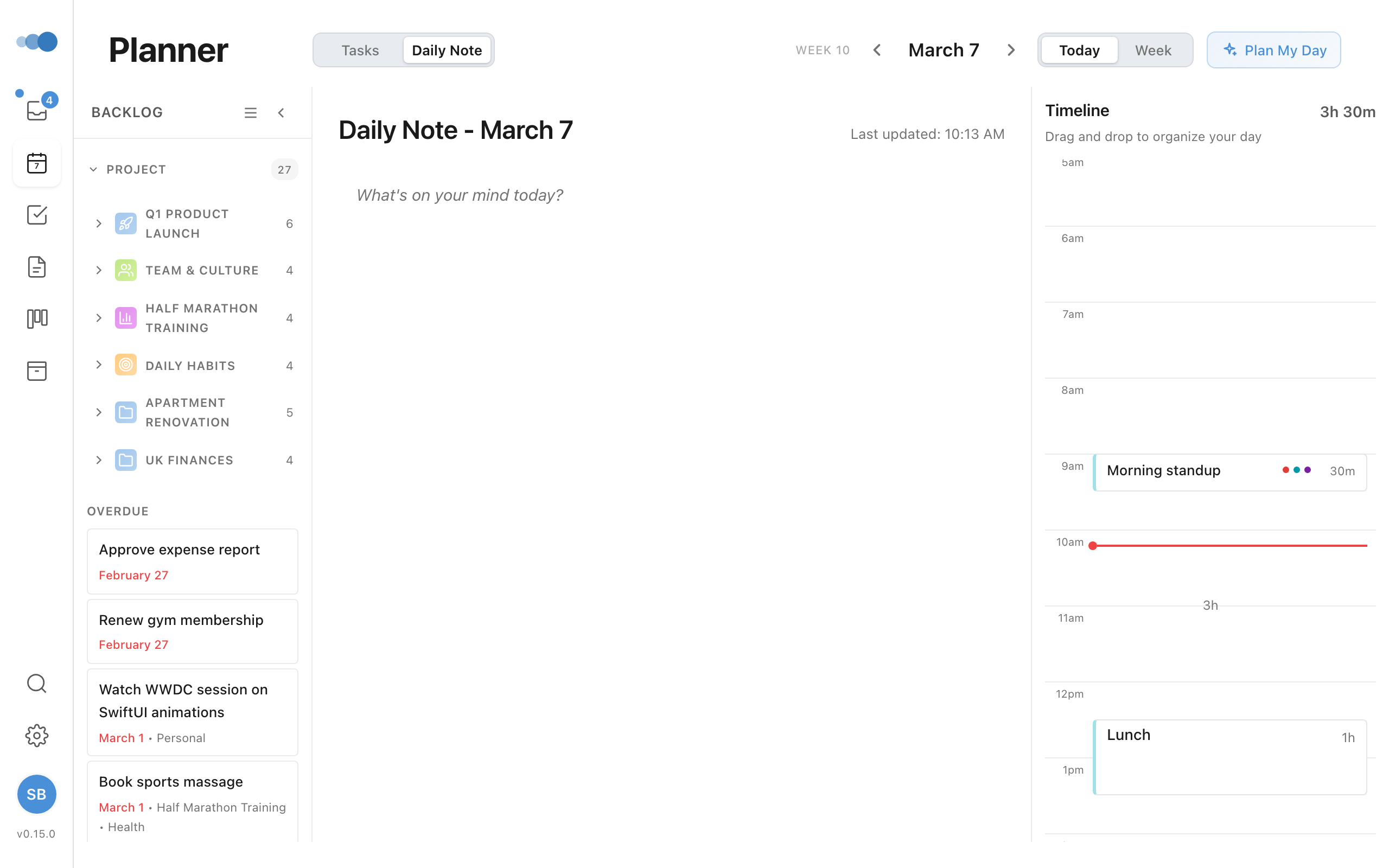
Use Daily Notes as your daily journal or scratch pad.
Accessing Daily Notes
- Go to Today view
- Click the toggle to switch from Tasks to Daily Note
Each day has its own note automatically.
What to Use Daily Notes For
- Morning planning
- Quick thoughts and ideas
- Meeting preparation
- End-of-day reflection
- Scratch pad for the day
Features
Daily Notes have all the same features as regular notes:
- Full slash menu access
- Rich text formatting
- Tables, images, code blocks
- Auto-save
Navigating Days
- Use date arrows to see other days' notes
- Click Today to return to current day
Finding Past Daily Notes
- Go to Notes in the sidebar
- Look for the Daily Notes section
- Notes are sorted newest first
Auto-Cleanup
Blank daily notes from past days are automatically cleaned up to keep your notes organized.
tip
Daily Notes are perfect for capturing quick thoughts without creating a separate note.