Projects and Areas
Organize your tasks with Projects and Areas.
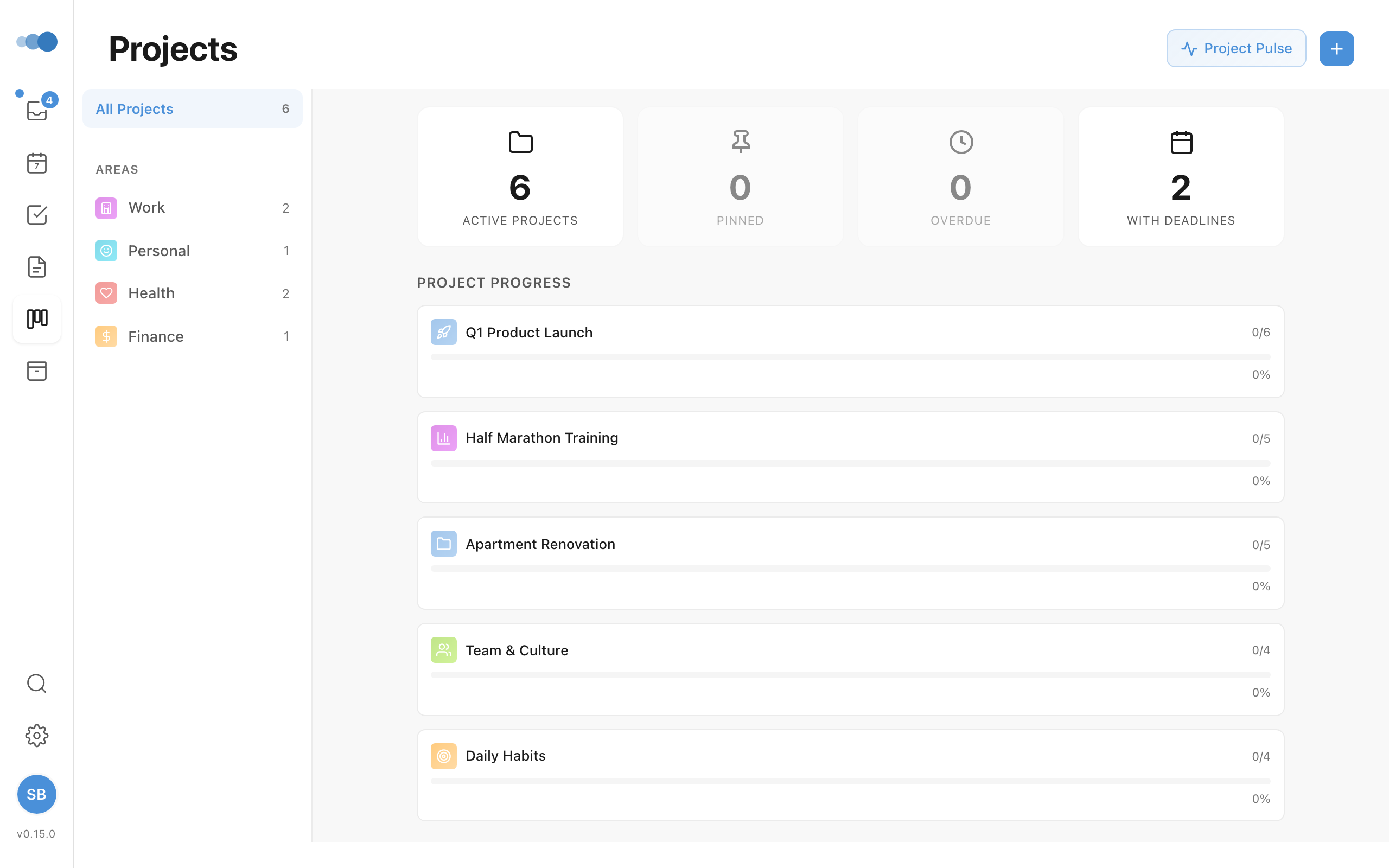
What Are Projects?
Projects are containers for related tasks with a clear goal:
- "Website Redesign"
- "Q1 Marketing Campaign"
- "Move to New Office"
What Are Areas?
Areas are ongoing responsibilities without an end date:
- "Health & Fitness"
- "Product Development"
- "Finance"
Creating a Project
- Go to Projects in the sidebar
- Click + New Project
- Enter project name
- Optionally assign to an Area
Assigning Tasks to Projects
- Open a task
- Click the Project dropdown
- Select a project
Tasks in projects appear in the project detail view.
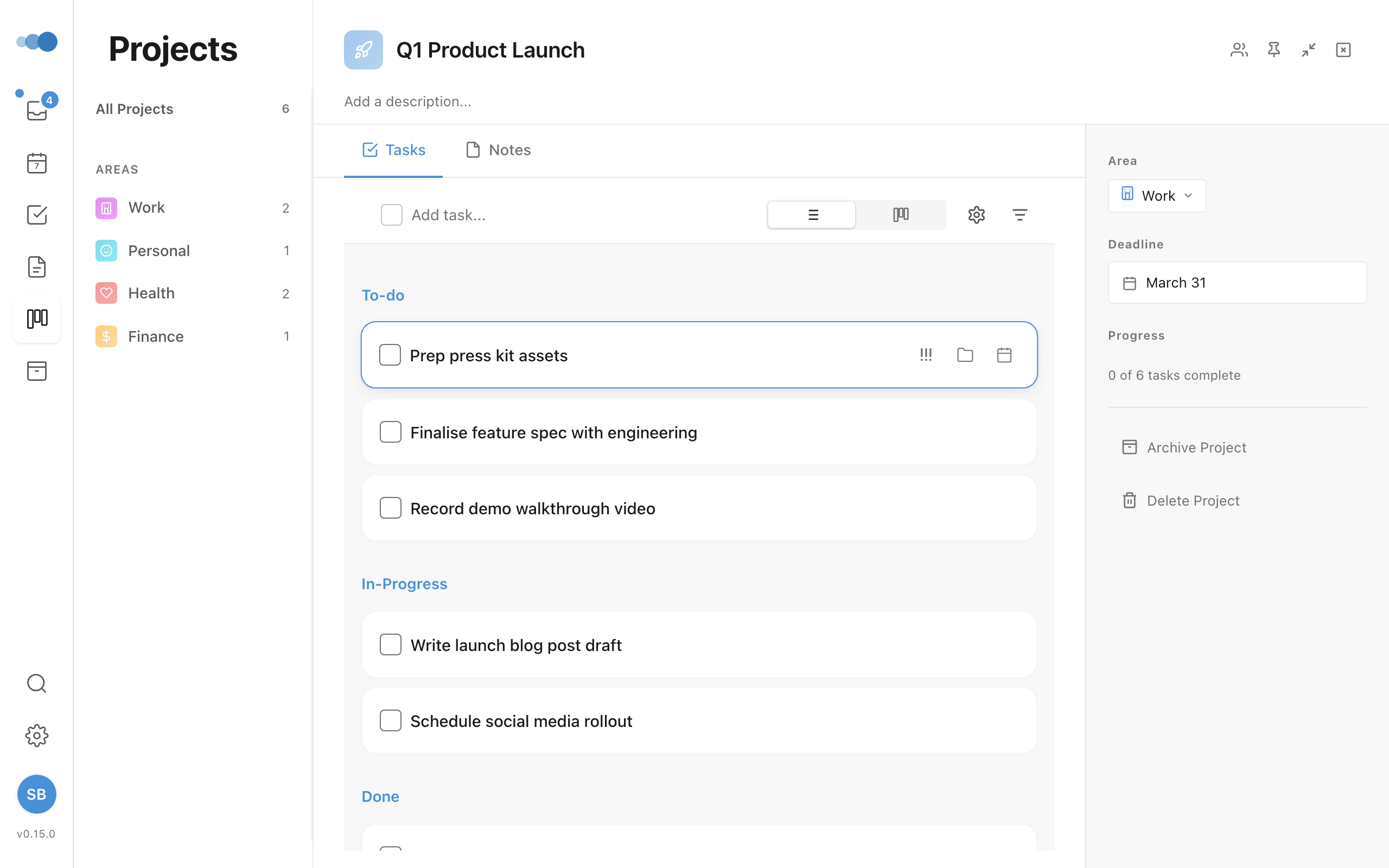
Going From a Task to Its Project or Area
From an open task, you can jump to the project or area it belongs to:
- Click the task's Project (or Area) button
- Choose Open and the project's name, at the top of the list
The project opens with a Back to bar naming the task, to return to it. ⌘[ takes you back too.
- With the keyboard: Tab to the button, then press Enter twice.
- From a task's right-click menu or the command bar (⌘K), choose Open project or Open area.
- For a task in a shared project you can only view, clicking the button opens the project straight away.
- On iPhone, tap Project in a task and choose Open and the project's name at the top. For the area, tap ⋯ → Area → Open. Back returns you to the task.
Creating Sections
Projects can have sections for organization:
- Open a project
- Click + Add Section
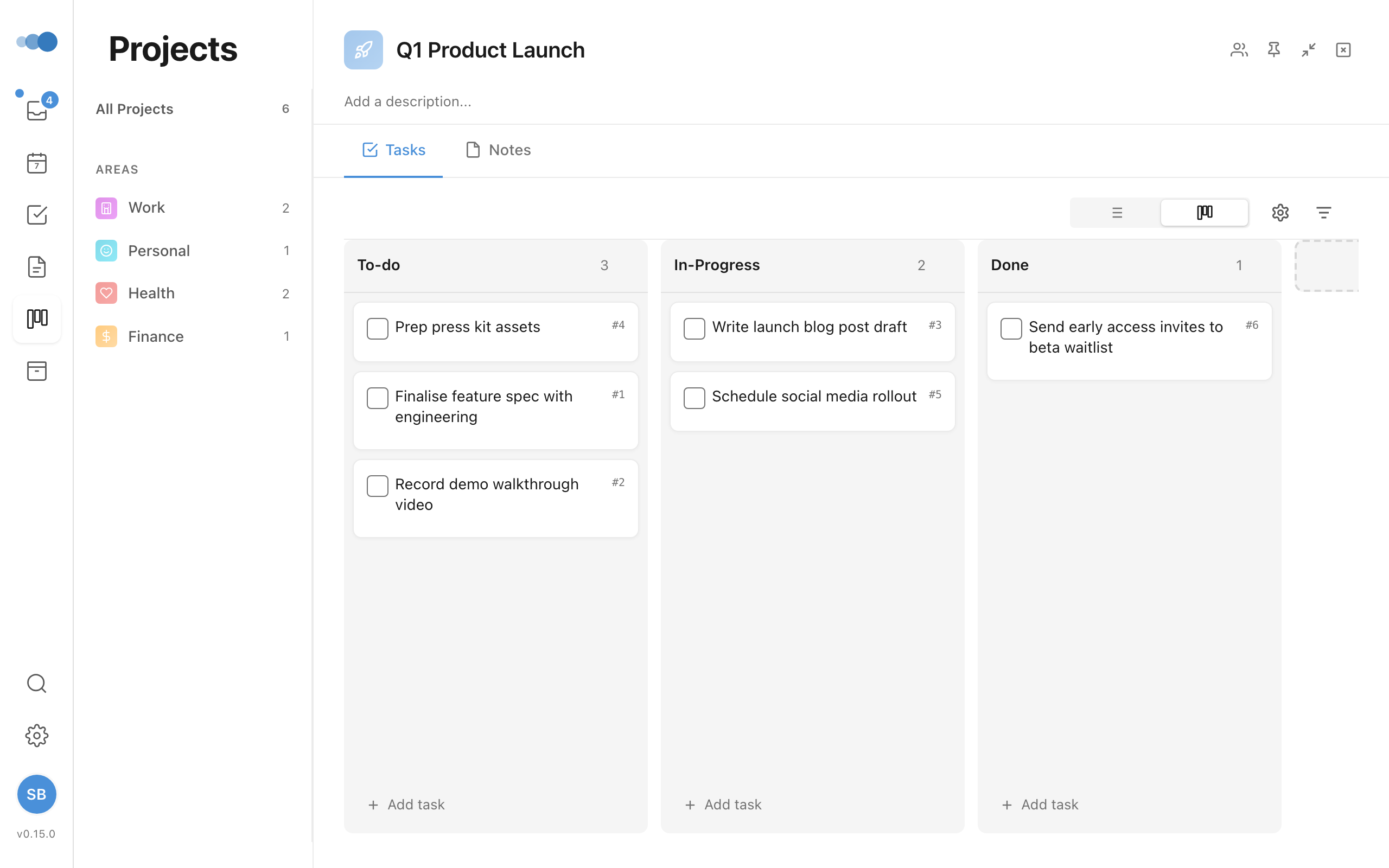
- Drag tasks between sections
The Areas View
Areas in the sidebar (or ⌘6, or Go to Areas in the command bar) lists your areas, each with its number of active tasks. Click one, or Tab to it and press Enter, to open its page beside the list: its Projects, Tasks, Notes and Meetings, and its statistics for the week.
Clicking another area saves the one you were in and opens the new one. When you come back to Areas, the area you had open last opens again.
Creating an Area
- Go to Areas in the sidebar
- Click + New Area, under the list
- Enter area name and choose an icon
Area colors at a glance
Each Area has its own color. That color now shows up as a colored left edge on anything that belongs to the Area, so you can see where something fits without reading the label:
- Tasks assigned to an Area show the Area color on the task row's left edge, in every list (Today, projects, areas, search).
- Notes show it too — including notes filed under a project, which pick up that project's Area color.
- Calendar events show their Area color on the same left edge; events on a calendar that isn't mapped to an Area keep their calendar color.
Tasks and notes without an Area are unchanged. To recolor an Area, edit it from the Areas sidebar and pick a new color — everything assigned to it updates to match.
Colors and icons for new Areas and Projects
There are 45 colors to choose from, plus a custom color picker for anything off the palette. When you create a new Area or Project, Cadeo gives it a distinct random color and icon automatically — so your lists and colored edges look varied from the start instead of every new item being the same. You can change the color or icon anytime from the editor.
Area vs Project
| Aspect | Project | Area |
|---|---|---|
| Duration | Has an end | Ongoing |
| Example | "Launch Product" | "Product Development" |
| Completion | Can be completed | Never completed |