Creating Tasks
Learn all the ways to create tasks in Cadeo.
From the Inbox
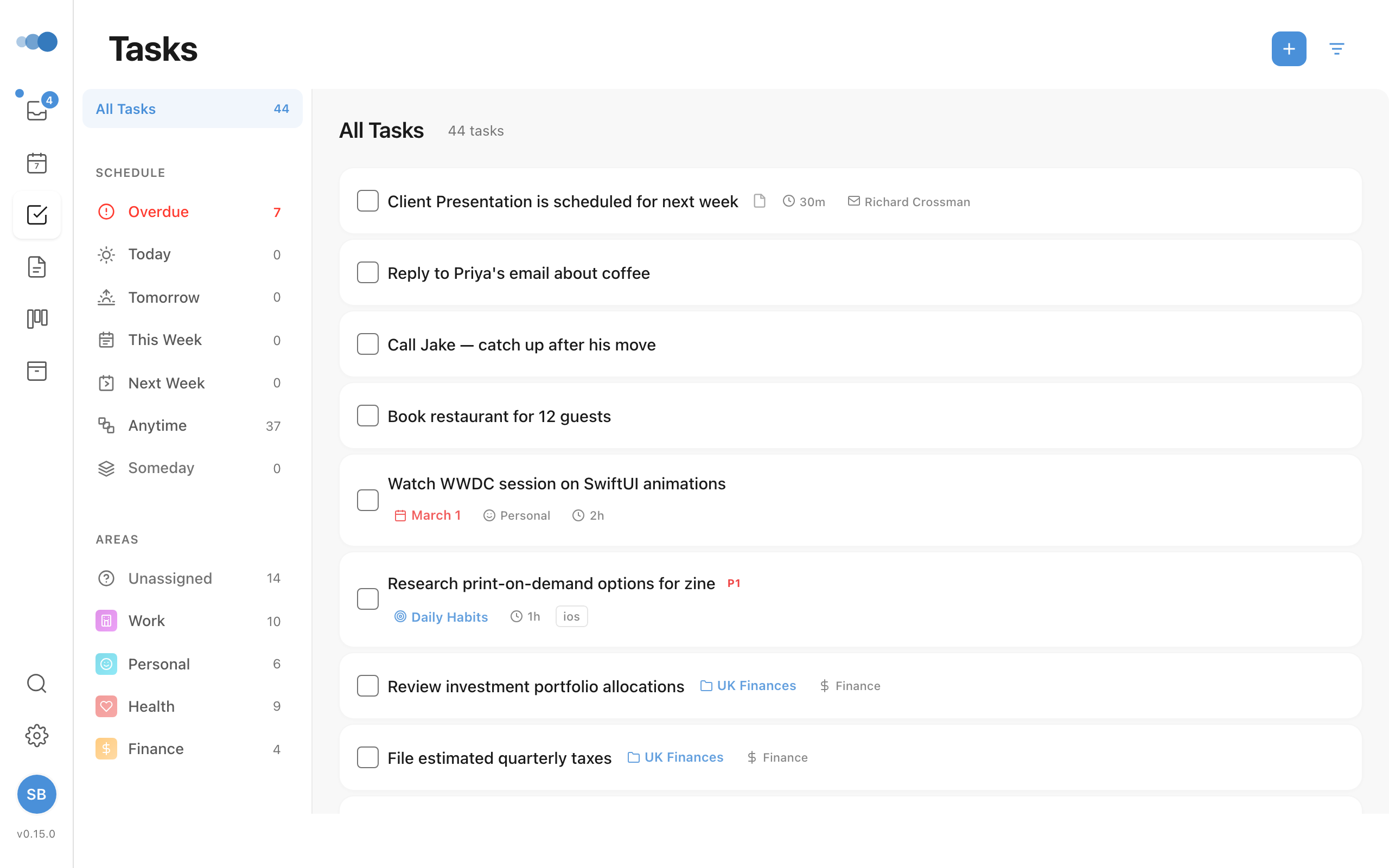
- Go to Inbox in the sidebar
- Type your task in the input field
- Press Enter
With Natural Language
Type dates and times naturally:
- "Submit report tomorrow at 9am"
- "Call client next Friday"
- "Review budget in 3 days"
The date appears highlighted in blue as you type.
From the Timeline
- Go to Today or Week view
- Double-click on an empty time slot
- A task is created at that time
From Meeting Notes
- Open a calendar event
- Go to the Notes tab
- Type
/taskfollowed by the task name - The task is created and linked to the meeting
Quick Add (Cmd+.)
Press Cmd+. from anywhere to open Quick Add and create a task in one keystroke. To focus the inline new-task input instead, press Cmd+Shift+N.
Task Properties
| Property | Description |
|---|---|
| Title | Task name |
| Notes | Rich text description |
| Project | Project assignment |
| Area | Area of responsibility |
| Schedule | Date and time |
| Duration | Time estimate |
| Deadline | Due date |
| Priority | P1, P2, P3 |
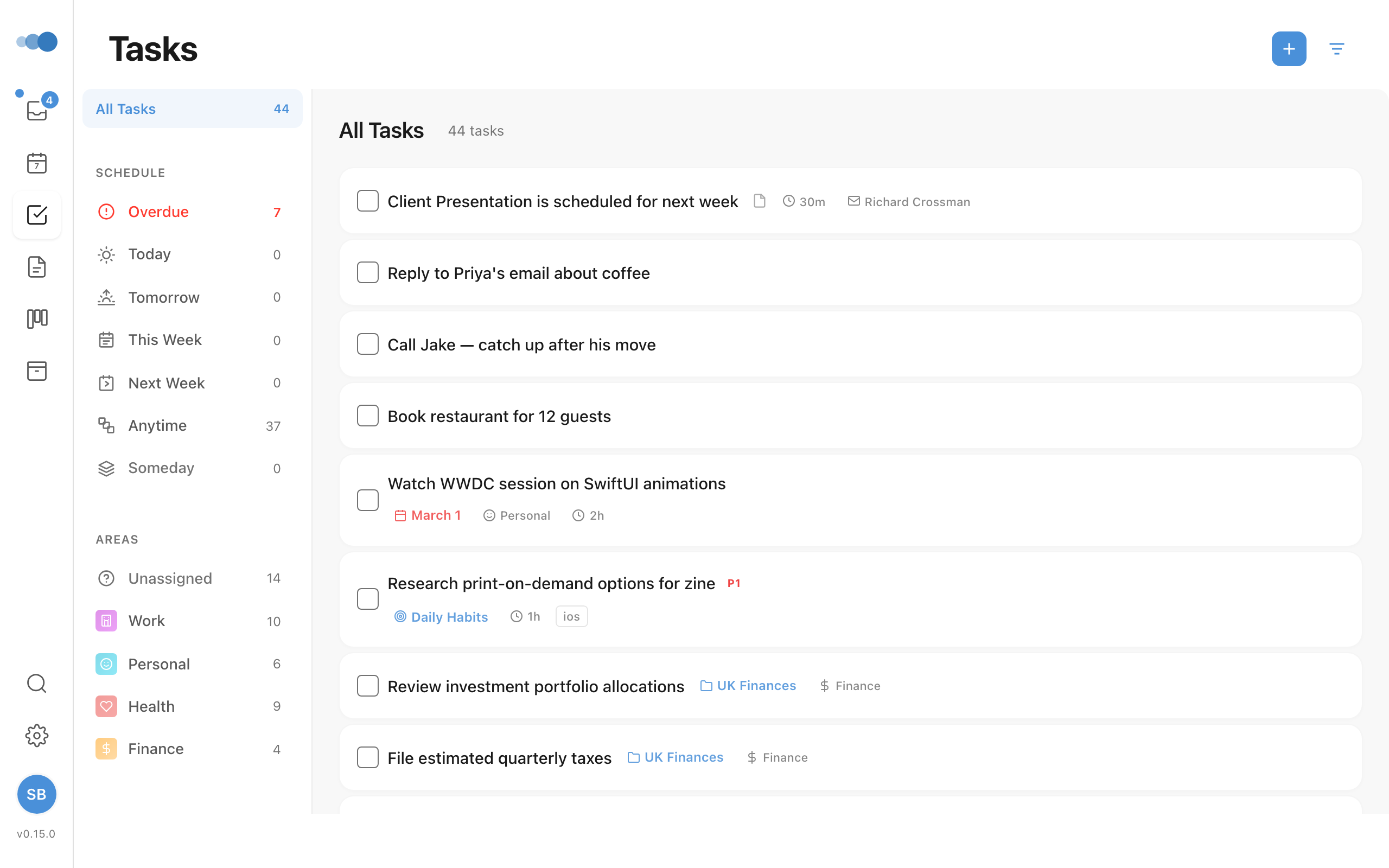
In the task window, the details sit in one line under the title — the ones you've set show their value, the rest are faint. Click any of them to change it.
A new task starts where you are, however you create it (⌘⇧N, the + button or ⌘K): inside a project it goes in that project, in an area it goes in that area, under Tasks → Today (or Tomorrow, This Week, Someday) it's scheduled there, and in the Planner it's on the day you're looking at. ⌘K shows where it will save ("Saving to Website relaunch"). A date you type, or a project you pick, still wins.
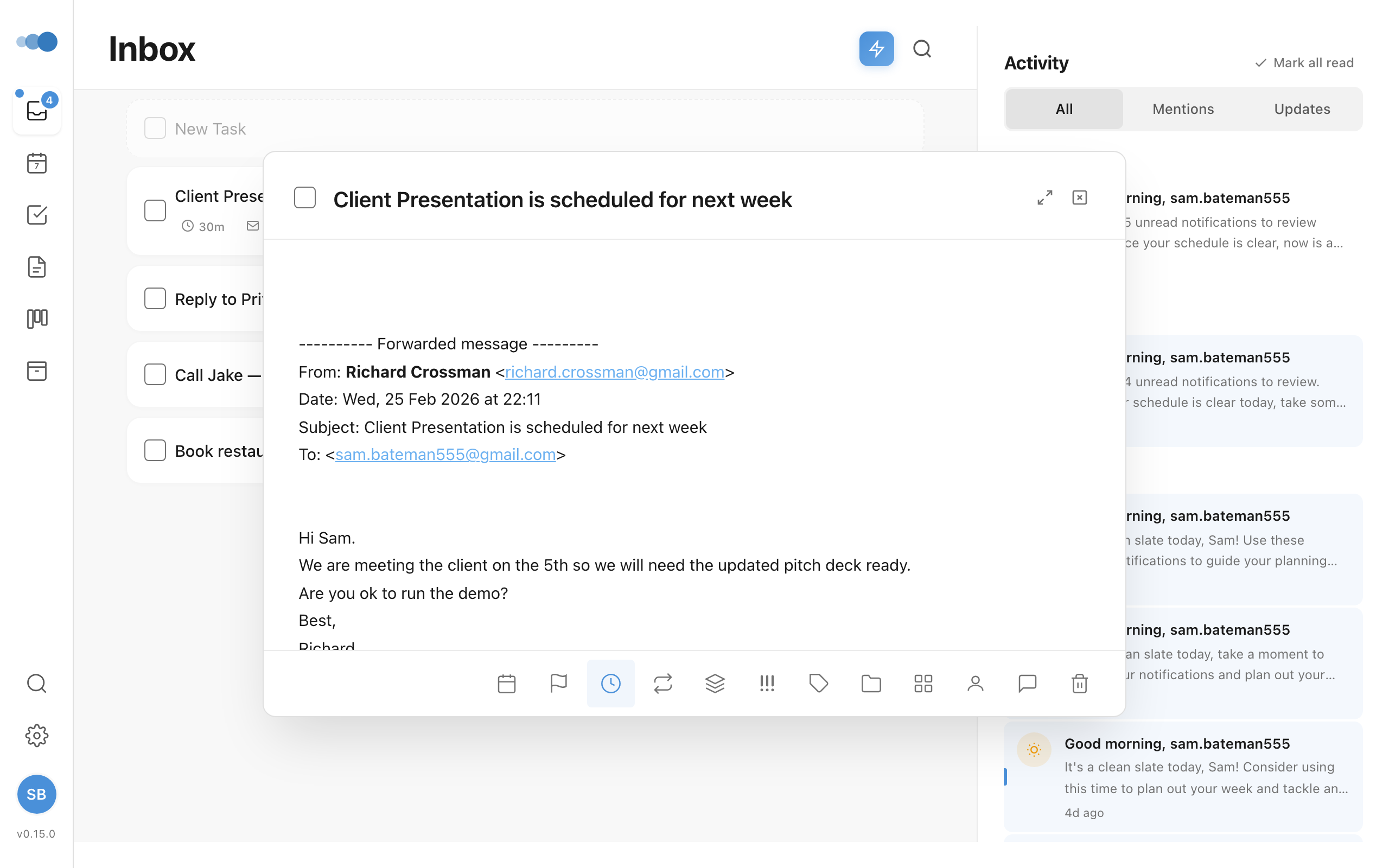
In a list, each task shows at most two details: when it's scheduled (with the time) and its project or area. A deadline that's overdue or due today takes the second place. Everything else, including the meeting a task came from and who sent it, is in the task window.
To set the date quickly, open When (or select a task and press s) and type it — "fri 3pm", "tomorrow 10am", "next monday", "in 3 days". Cadeo shows what it understood; press Enter to set it. A date on its own keeps the time the task already had. For a task, Undo is in the message that appears.
When and Deadline open one date picker: the box to type in, quick picks (Today, Tomorrow, This Week, Next Week), the time, and a calendar that starts on Monday. Click a day and it's set, with the time shown — there's no Confirm. Changing only the time moves a task that already has a date. This Week and Next Week have no fixed day, so they drop the time. From the keyboard: with the box empty, ↓ goes to the calendar, the arrows move a day or a week, Page Up/Page Down a month, and Enter picks. A new event's date and a project's deadline use the same picker.